Profile Lights
Positions
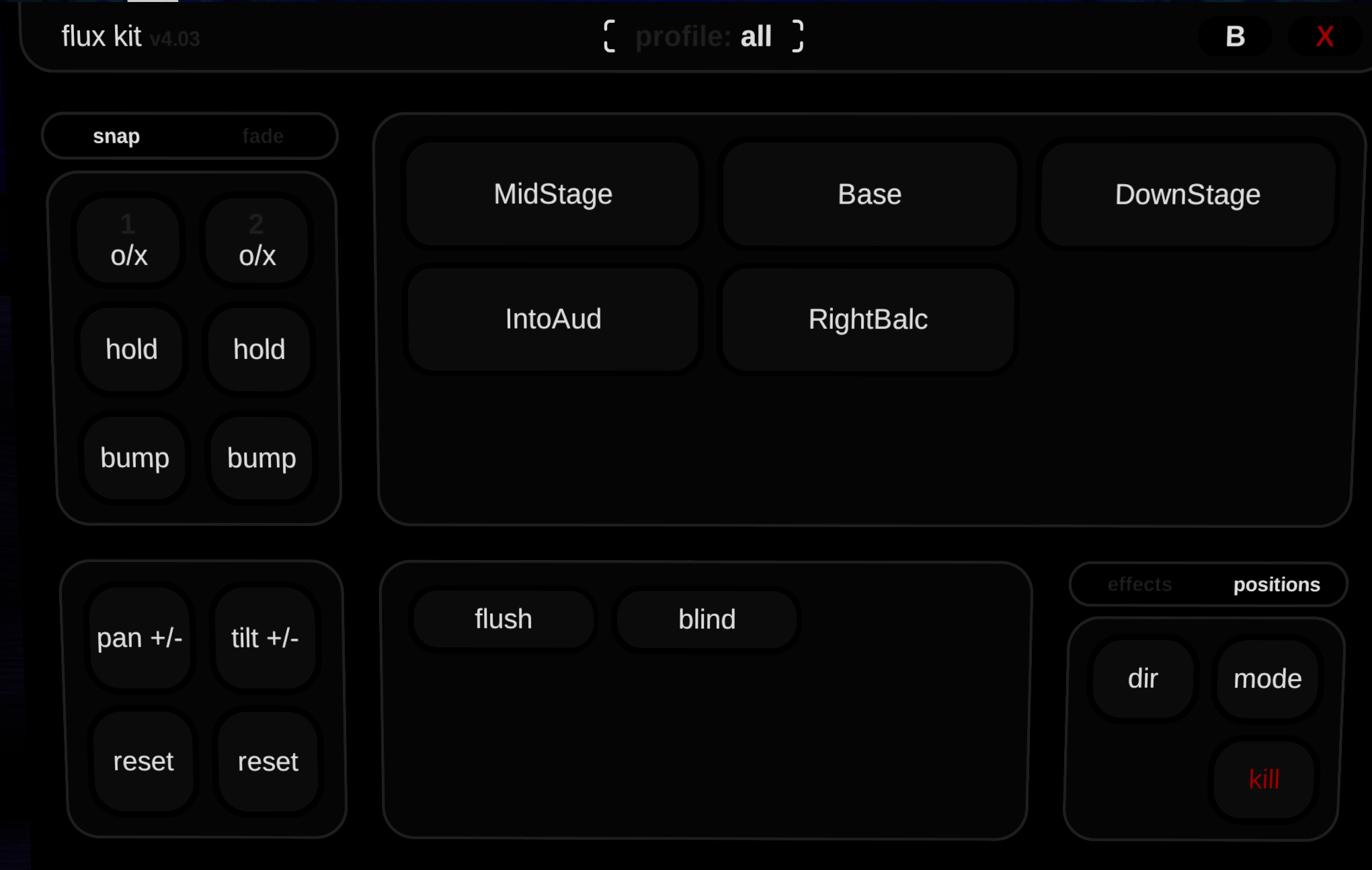
Positions are preset placement of the lights that we — the developers, setup so that you can access it in any server.
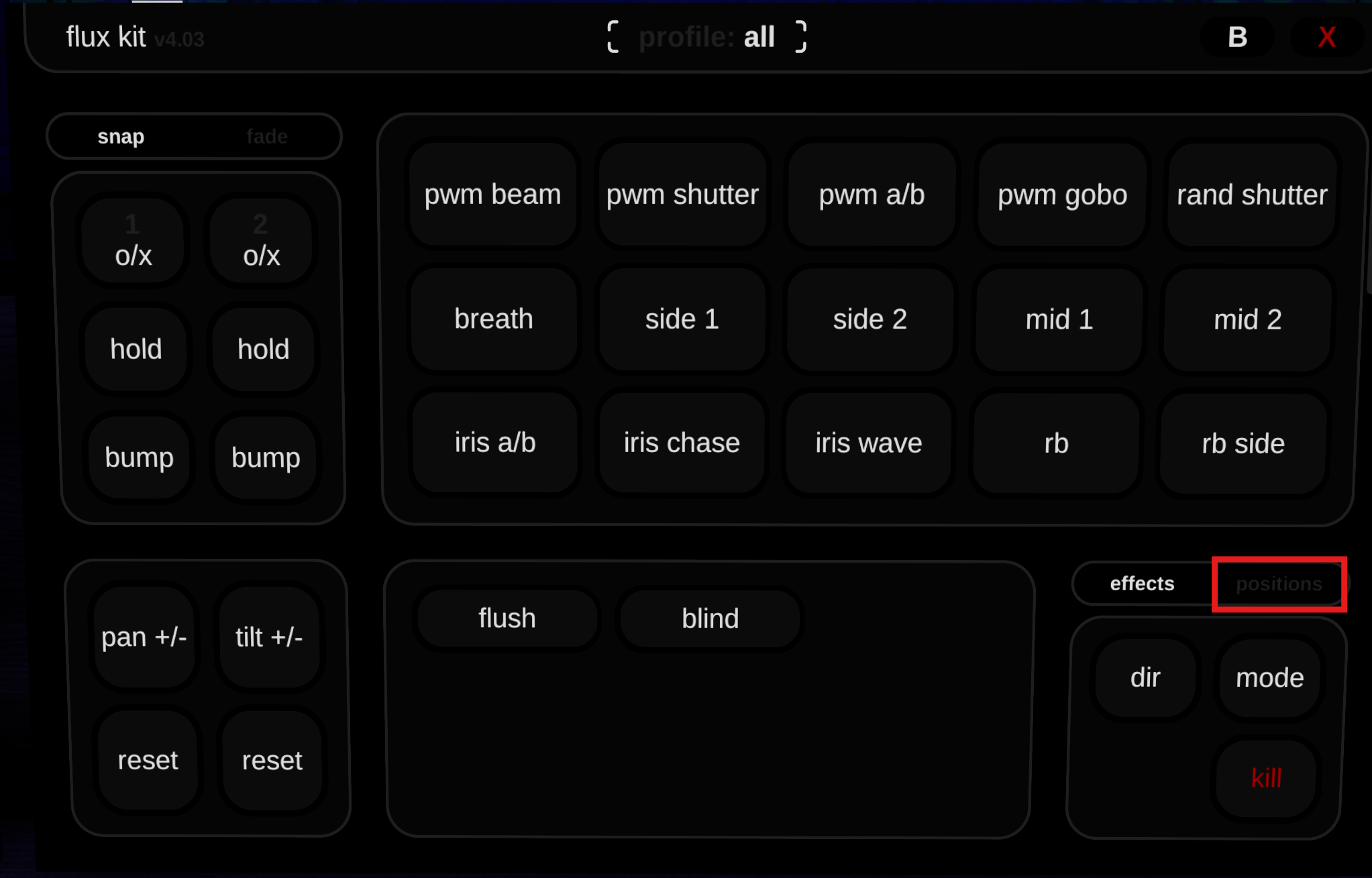
- Click on the positons toggle on the bottom right of the main page.
- Clicking on any of the position buttons will trigger the lights to shift to that position.
- To return to the original effects main page, click on the effects toggle next to the positions toggle.
Groups
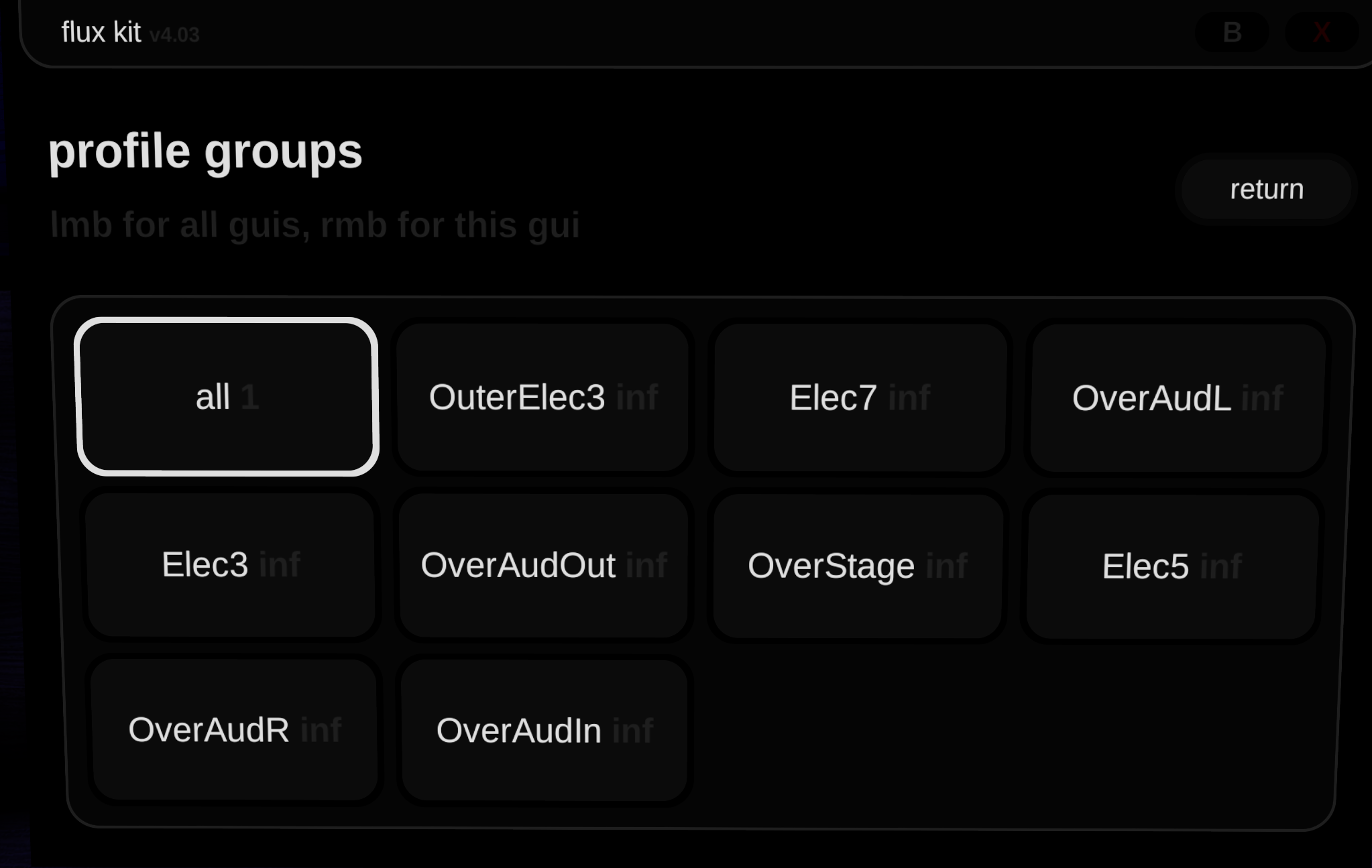
Groups are certain sets of lights that are grouped together that you can control seperately instead of having to control all the lights at once.
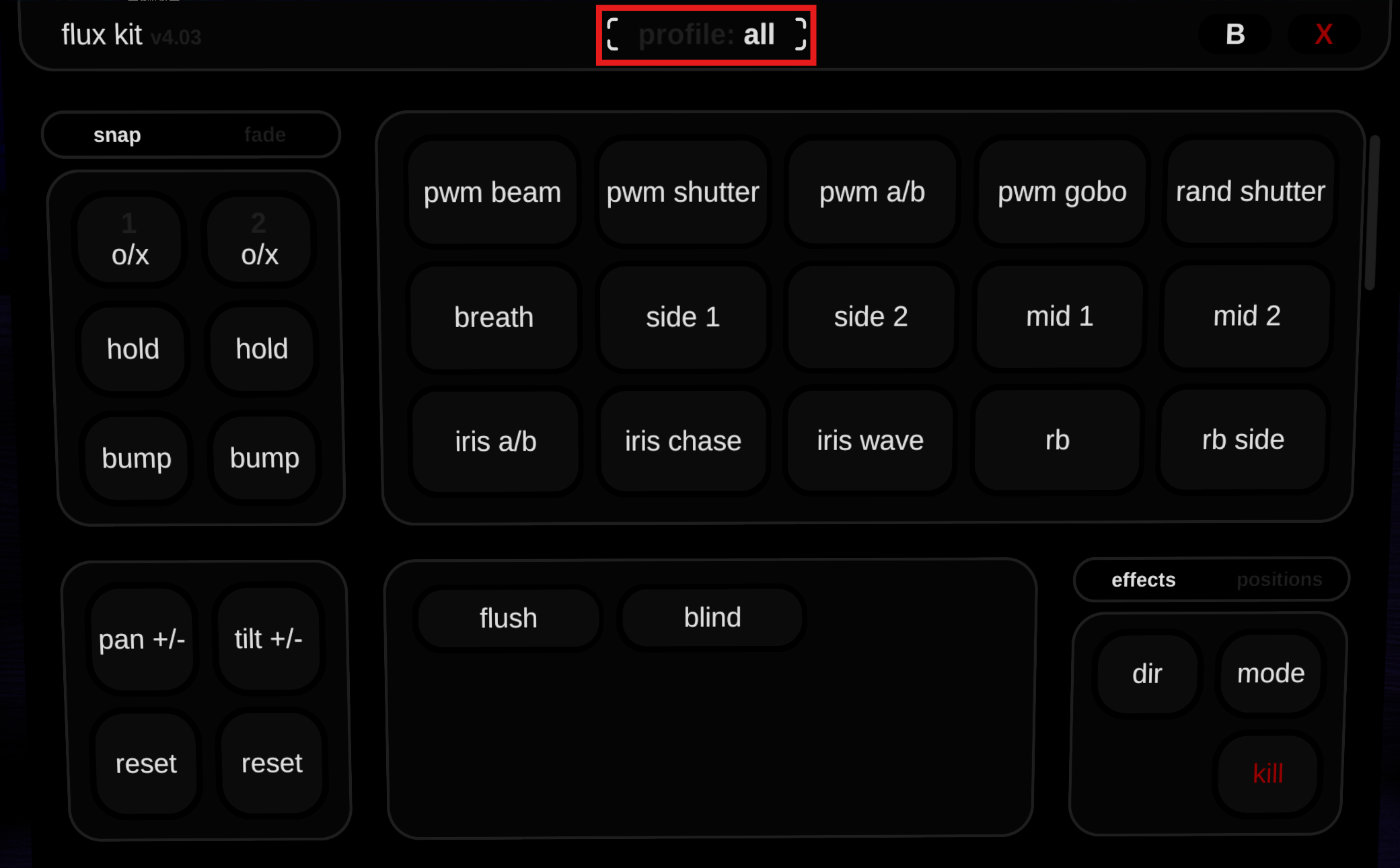
- To access the list of groups, click on the groups button at the top of the panel.
- Select any of the different groups and move them around!
Branch
This is a few advanced settings in the Branch page of the Profile.
- To access the advanced settings, right-click on any of the sliders on the Branch page.
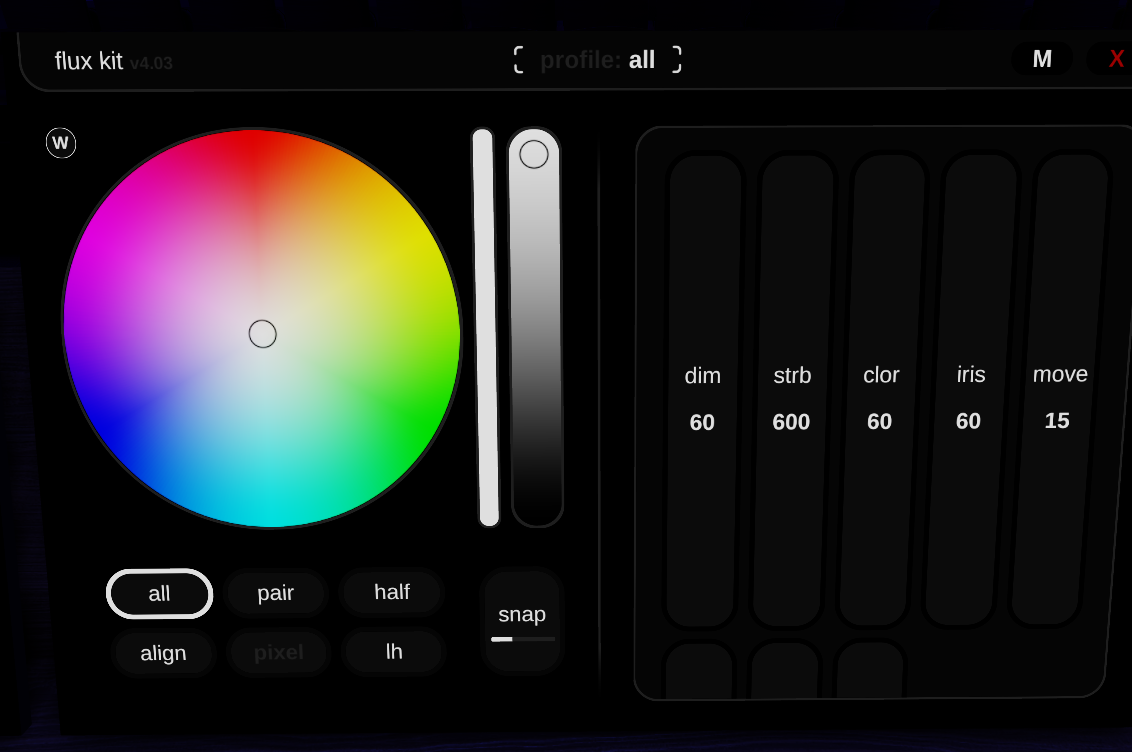
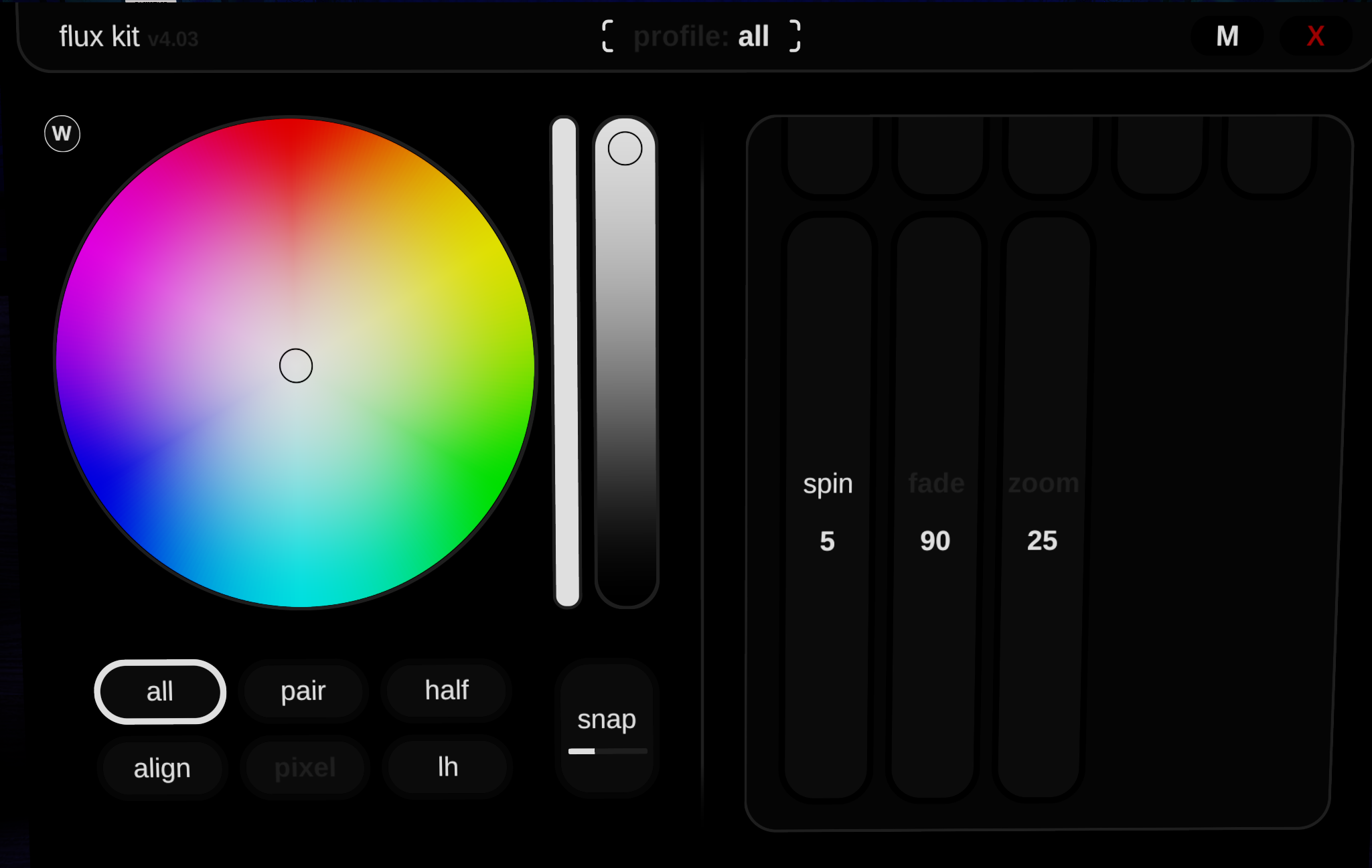
- Spin is the slider used to decide how fast the GOBO light spins when using the Spin cue.
- Fade is the speed which the light fades ON/OFF (higher = faster).
- Zoom is the width of the light coming out of the profile lights (higher = wider).
- To return to the normal Branch page, simply right-click on any of the sliders again.
tip
Have any ideas for other positions or groups? Let us know in #suggestions channel on the Discord!
Last Updated On: September 26, 2025