Follow Spotlights
Getting Started
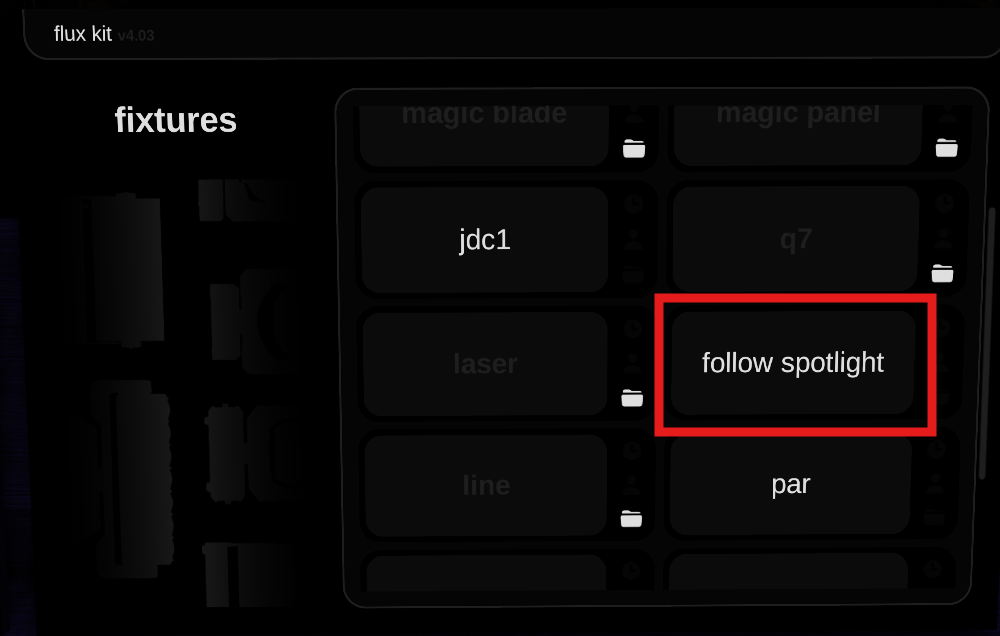
When you click Follow Spotlight, you're met with a list of different buttons.
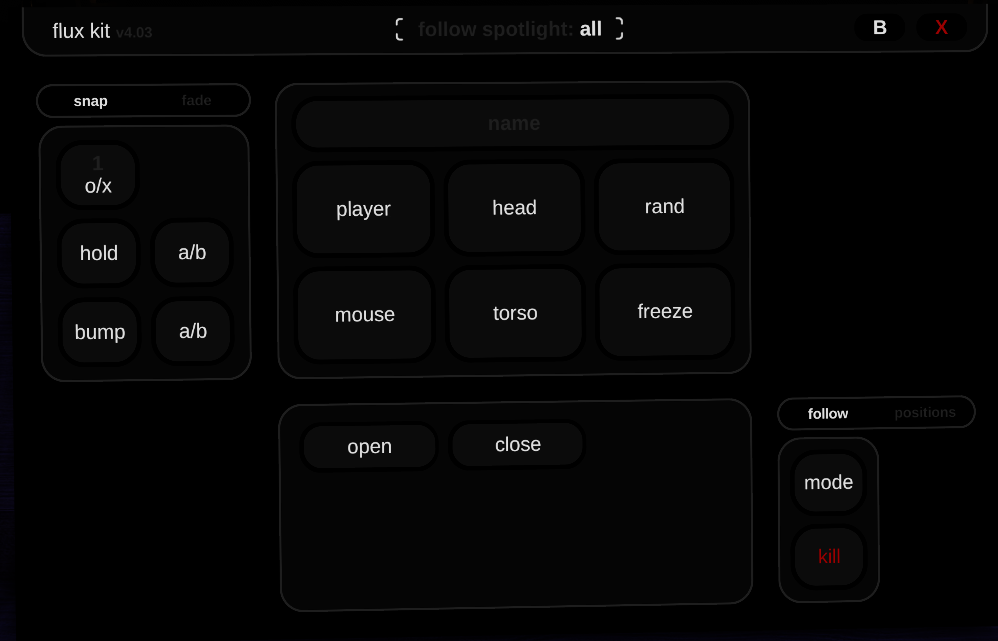
Light Controls
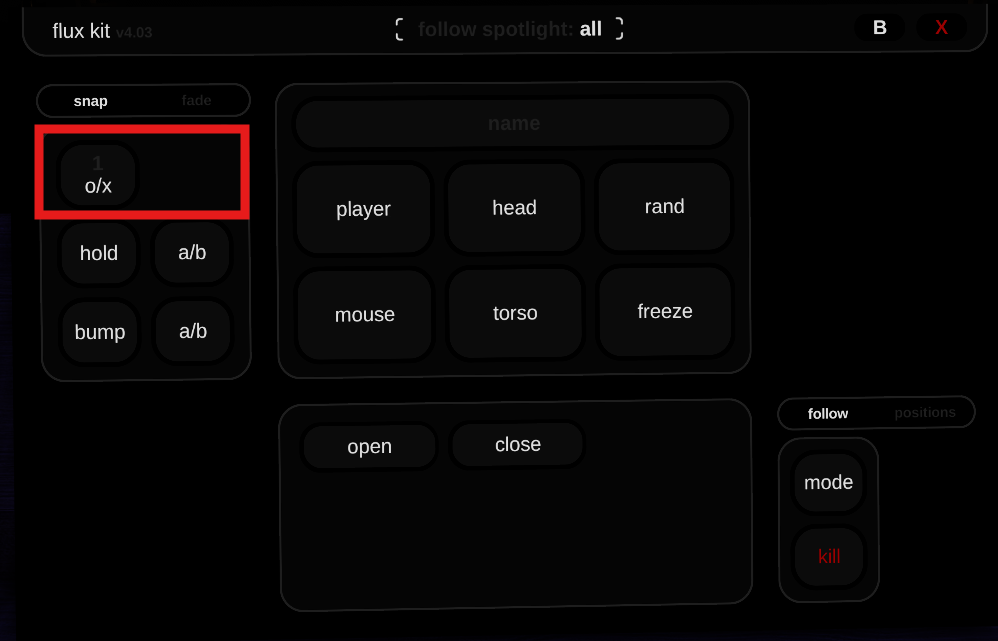
- Turn on the lights: Click 1 O/X
- To turn off the lights, right-click the O/X Switch
User Tracking
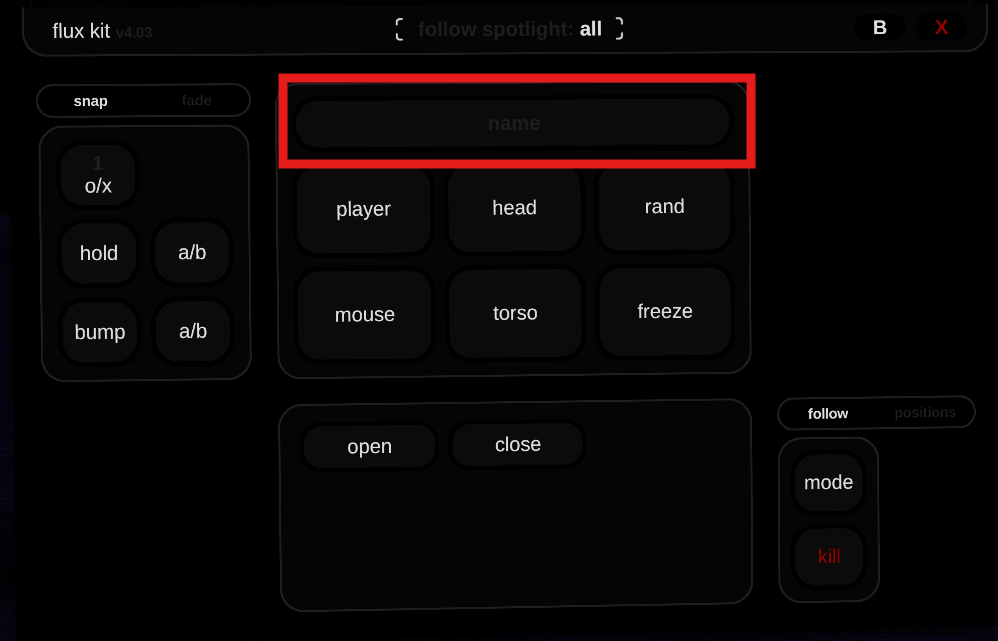
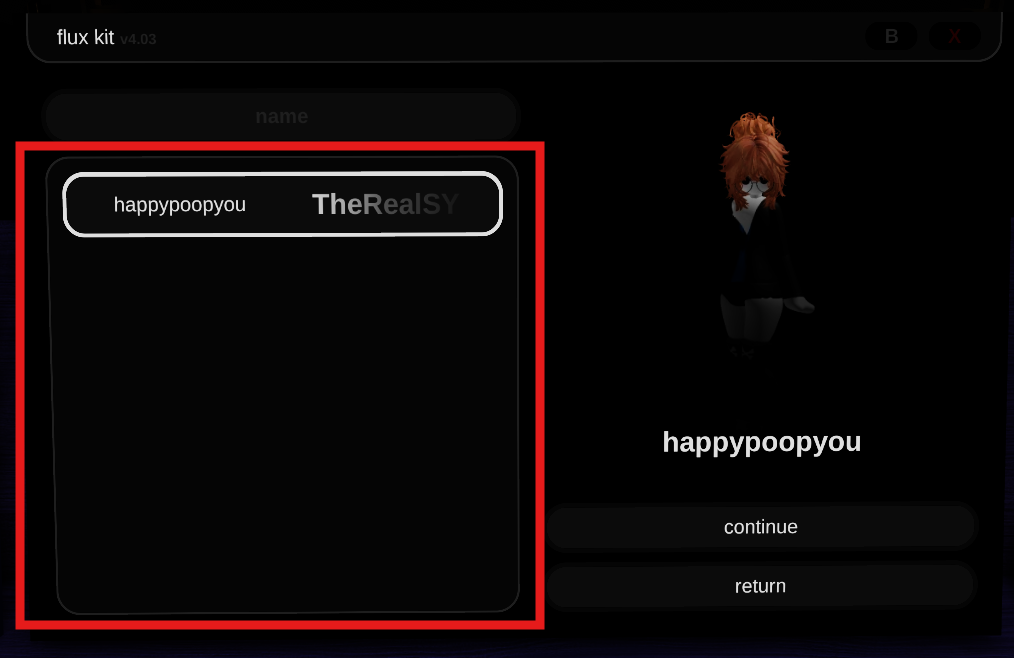
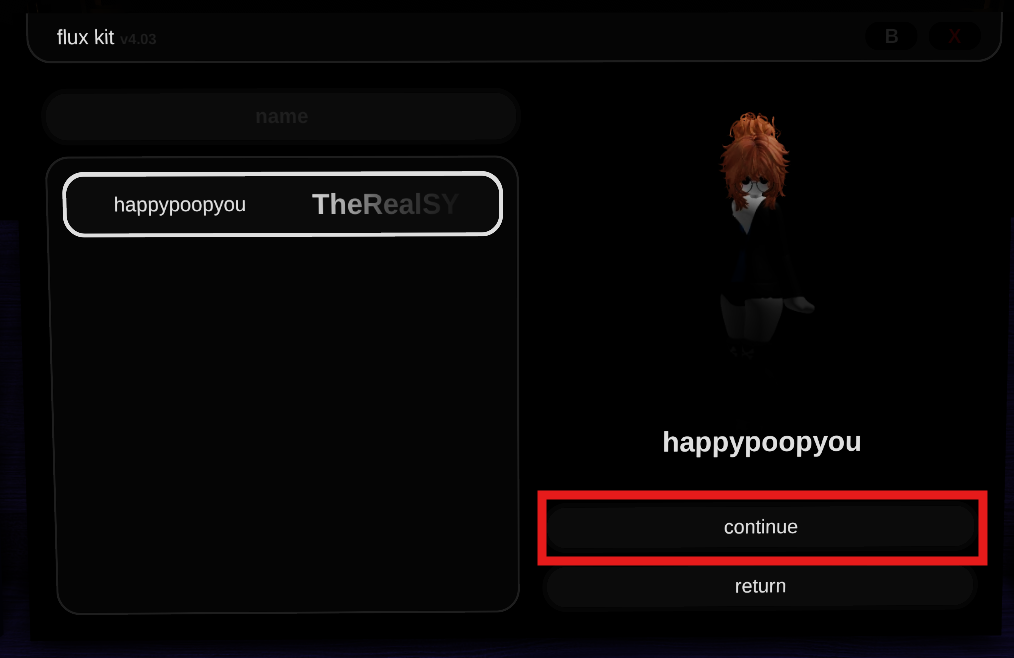
- To select a user to track: Click name, then select the user from the namelist and press continue.
Color & Brightness
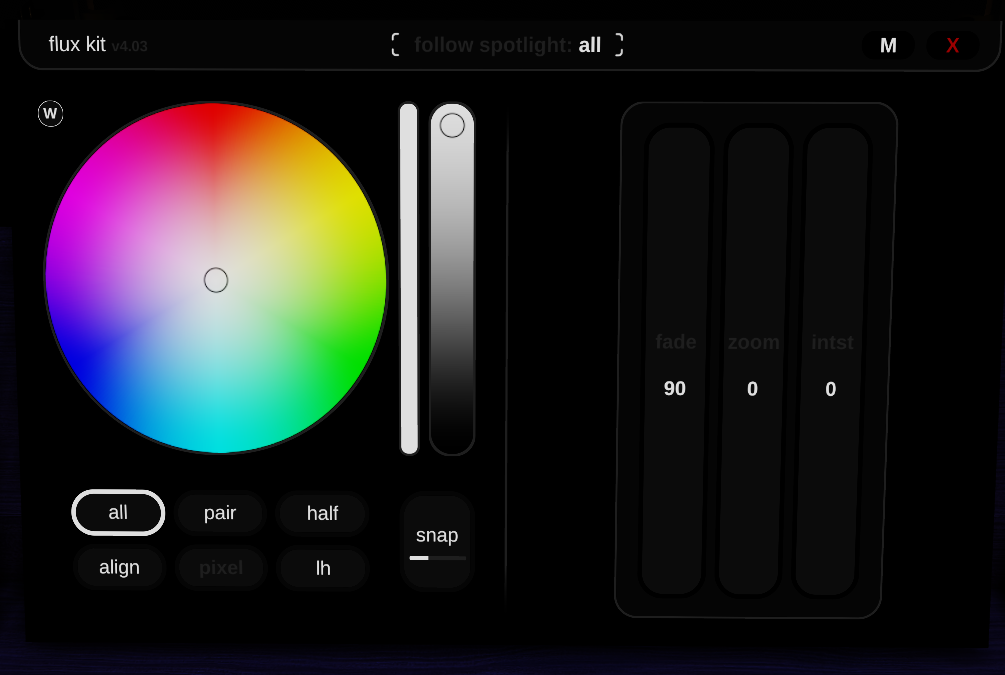
- To change the color, click the B at the top of the GUI (next to the small X). The B button takes you directly to Branch so you can adjust brightness, color, etc.
- To go back to effects/cues, click M
tip
Want to be more advanced in controlling the lights? Head to the Advanced Tutorial!
Last Updated On: September 20, 2025